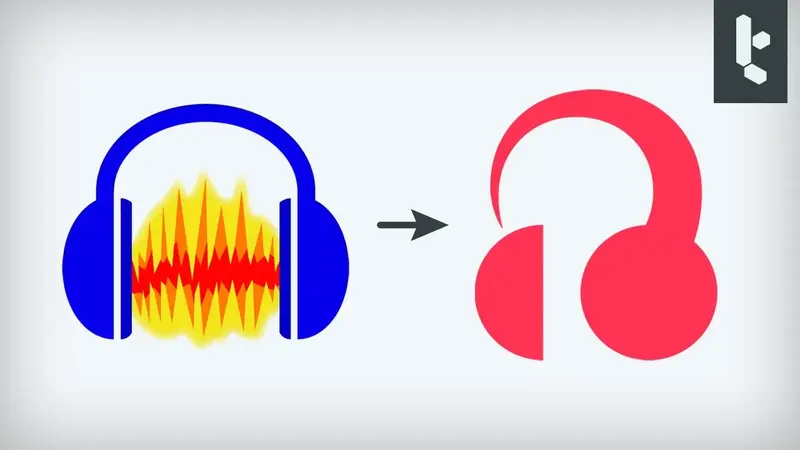
Outils
Audacity ® | Free Audio editor, recorder, music making and more!
Publié le

The world’s most popular app to record and edit audio
Get the world’s most popular audio recorder and editor on MuseHub
Audacity
Get the world’s most popular audio recorder and editor on MuseHub
Download Audacity
Get the world’s most popular audio recorder and editor on MuseHub
How we’re building Audacity 4


How we’re building Audacity 4
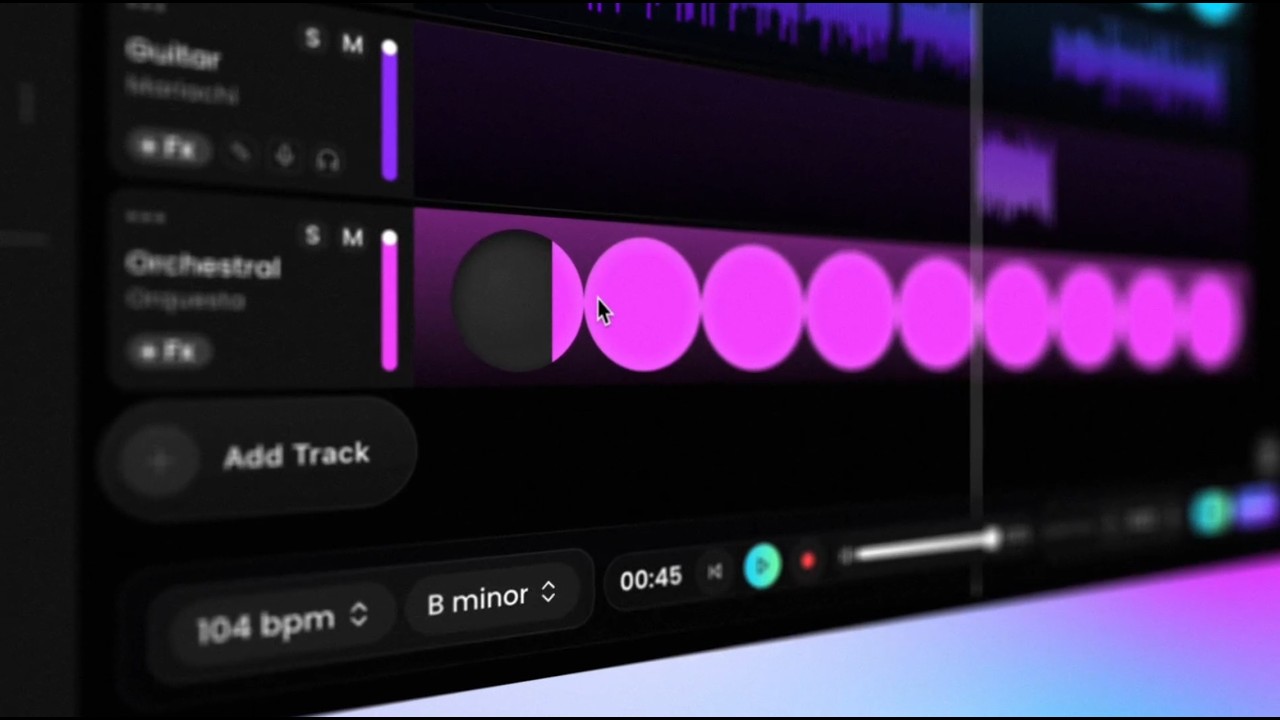
Overtune Record your vocals on top of premium beats! Polish, personalize and share with ease
All you need to create
Cross-platform
Edit audio on all major operating systems – Windows, MacOS and Linux
Advanced voice editing
Record, clean up, enhance and produce your song or podcast with modern audio production tools
Plugin support
Create from start to finish using your favorite VST3 and Nyquist plugins
Import, export, convert
Convert or export your song to WAV or MP3, FLAC, Ogg and many more

Level up your Audacity
Audio.com, the online companion to Audacity, lets you collaborate on projects, create versioned backups, and easily share and publish your work.
Popular in the FAQ
What is Audacity?
Audacity is the world’s most popular free software for recording and editing audio. So if you’re producing music, a podcast, or just playing around with audio, Audacity is for you.
Who is Audacity for?
Audacity is for anyone who wants to get creative with sound. It’s also the perfect tool for anyone who needs to quickly edit or export audio, for any reason.
Is Audacity free?
Yes! Audacity has always been and will always remain free for everyone.
Is Audacity open source?
Audacity is proudly open source. This means its source code remains open to anyone to view or modify.
A dedicated worldwide community of passionate audio lovers have collaborated to make Audacity the well-loved software it is today. Many third-party plugins have also been developed for Audacity thanks to its open source nature.